Question & Answer
Question
Answer
Software Requirements:
To set up X11Forwarding from a Microsoft Windows client, the following software is required.
1. Xserver Software
- Example: Xming (third-party)
2. Terminal Emulator
- Example: PuTTY (third-party)
3. OpenSSH and OpenSSL Software
- Some applications might require fonts that are not available in the default XServer installation. You can configure an AIX Font Server, and add it to the Xserver font path.
- Read instructions in the "Installing and Using the AIX Fontserver" technote:
CONFIGURATION STEPS:
#vi /etc/ssh/sshd_config
Find X11Forwarding and make sure it is uncommented, and set to "yes".
#startsrc –s sshd
To configure the Microsoft Windows Client:


4) Start, or restart the PC Xserver (Xming).


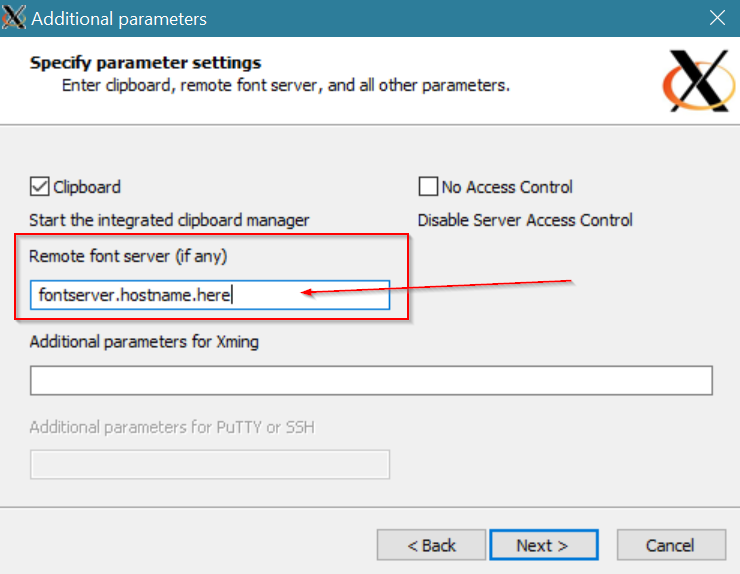
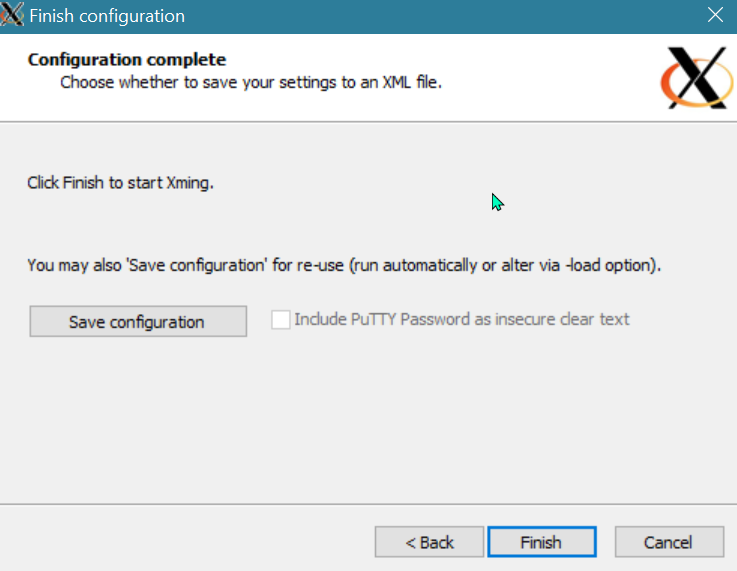
5) Configure and start the PC terminal emulator (PuTTY)
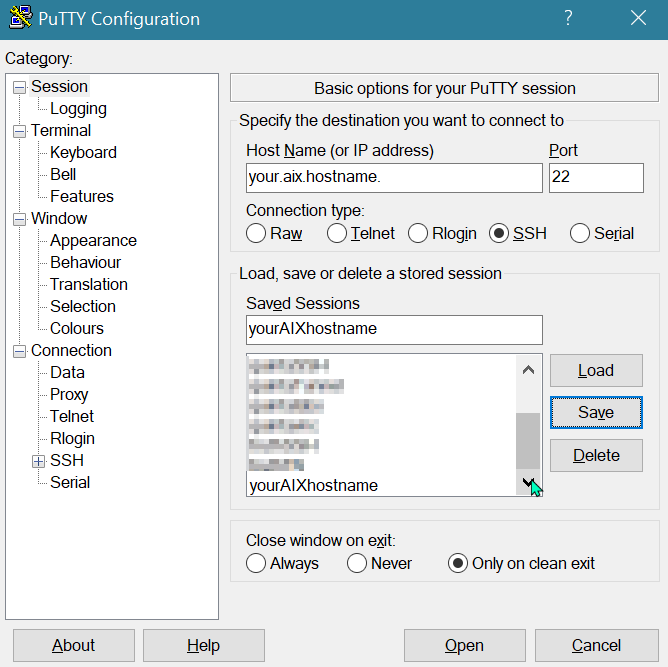

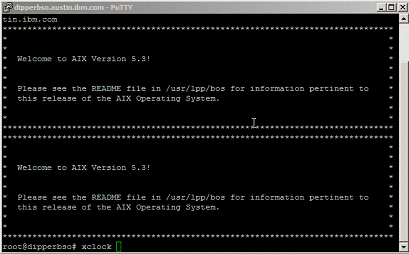
6) Open the session, and log in.
7) Check the DISPLAY.

| SUPPORT |
|---|
|
If you require more assistance, use the following step-by-step instructions to contact IBM to open a case for software with an active and valid support contract. 1. Document (or collect screen captures of) all symptoms, errors, and messages related to your issue. 2. Capture any logs or data relevant to the situation. 3. Contact IBM to open a case: -For electronic support, see the IBM Support Community: 4. Provide a clear, concise description of the issue. 5. If the system is accessible, collect a system snap, and upload all of the details and data for your case. - For guidance, see: Working with IBM AIX Support: Collecting snap data |
Related Information
Was this topic helpful?
Document Information
Modified date:
05 June 2021
UID
isg3T1012927