Configuration
The Connect Preferences dialog allows you to configure logging behavior and various options for file transfers, such as transfer queuing, file download location, and the allowed number of transfer retries.
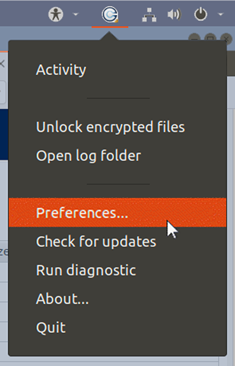
Launch Connect and open the Preferences dialog:
If Connect is already running, go to System Tray >
Right-click Aspera Connect > Preferences. If it is not running, you can execute the
application manually by running:
~/.aspera/connect/bin/asperaconnect &