Google Social Login
Google Social Login Integration with IBMid: Unified User Journey
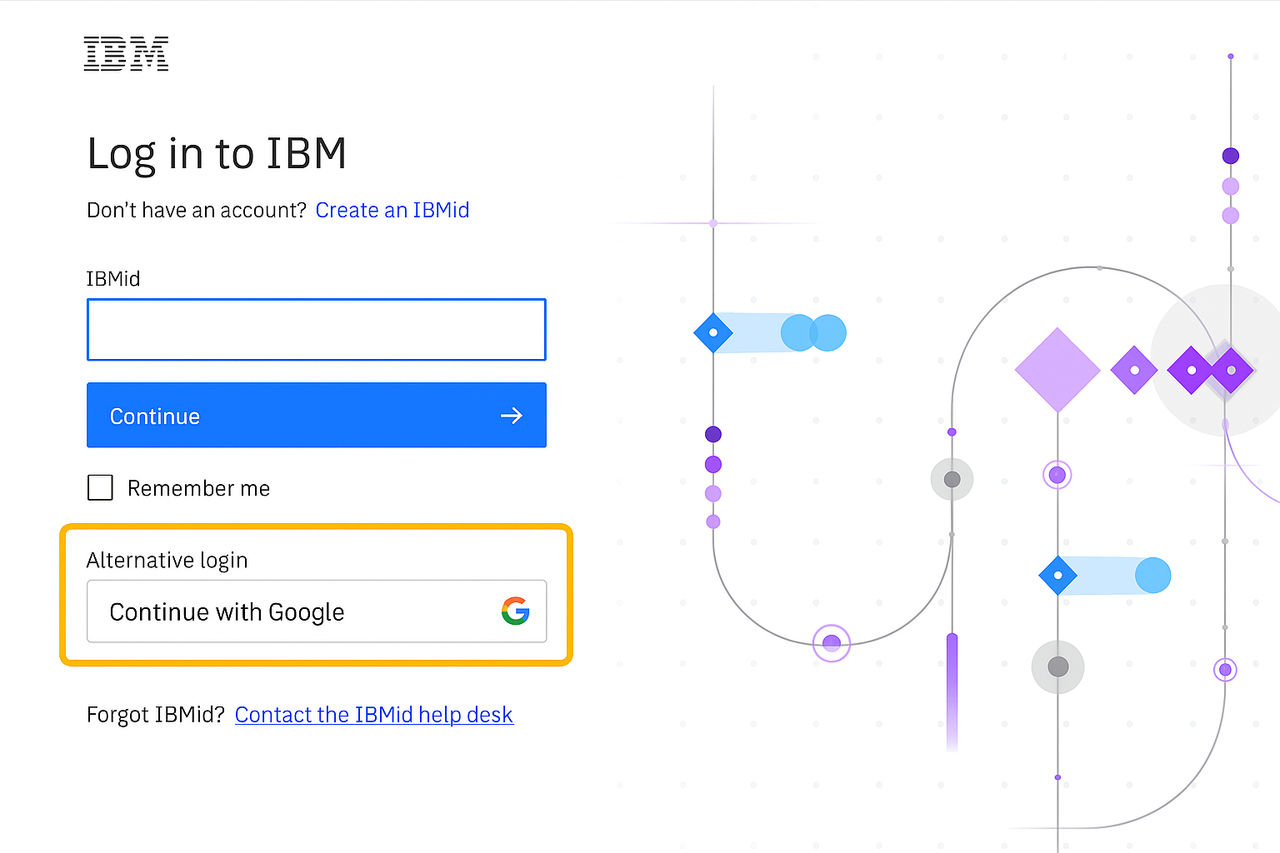
As part of enhancing user experience and simplifying access to IBMid-enabled applications, Google social login has been integrated as a supported authentication method. This allows users to sign in using their existing Google credentials, streamlining onboarding and enabling seamless access across IBM applications. This document outlines the complete user journey—from initial login and account provisioning to session reuse and transitioning into a regular IBMid user.
Key Considerations
- Federated User Limitations: These users will not be able to use this authentication method, since their identity is managed by their own domain.
- JIT Provisioning: Accounts are created dynamically upon first login via Google. No manual registration or email verification is required.
- SSO Experience: IBMid sessions allow seamless access across multiple applications without repeated logins.
User Journey: From First Login to Seamless Access
- First-Time Login via Google Social Login (JIT Provisioning)
- A user accesses an IBMid-enabled application and is redirected to the IBMid login page.
- They select “Google social login” as their login method.
- Upon successful authentication with Google, IBMid performs Just-In-Time (JIT) provisioning, automatically creating an IBMid account using the user's Google identity.
- No email confirmation is sent during this process, similar to federated SAML flows.
- The user is then redirected to the application’s landing page.
- Seamless Access Across IBMid Applications (SSO)
- After the initial login, the IBMid session remains active.
- If the user opens a new browser tab and accesses another IBMid-enabled application, the existing session is reused.
- The user is automatically signed in without needing to re-authenticate, thanks to IBMid’s Single Sign-On (SSO) capabilities.
- Transitioning to a Regular IBMid User
- Users who were initially provisioned via Google social login can later log in directly using their Google email address.
- When accessing the IBMid login page, they enter their Google ID as the username.
- Since the account already exists in IBMid, they are prompted to reset their password to activate the account for regular login.
- Once the password is set, the user can log in without using Google social login, functioning as a standard IBMid user.
- They continue to enjoy access to IBMid applications, now with the flexibility of using either direct login or social login.