Troubleshooting
Problem
User intermittently receives 'User XYZ already logged in to this database' when using either 'Reports - Run' or 'Company - Data Entry Reported Values'.
This only occurs when the user has recently closed an Excel session at the 'wrong' time.
Symptom
User tries to either open a Data Entry form or run a report (via 'Reports - Run'). User receives a message similar to this:

User XYZ already logged in to this database.
However, the problem will appear intermittent because it only occurs when certain tasks are performed (in a specific order!) prior to performing this task.
Example:
Below is one example of how to reproduce the problem. Naturally there are other potential methods to trigger the problem:
1. Close any open sessions/processes related to Excel/Controller (Excel.exe and ccr.exe)
2. Launch Excel, and create a brand-new (blank/empty) spreadsheet
[Alternatively, you may have an Excel spreadsheet open for a different reason - for example, you may have been running a Controller report recently]
If you look in 'Task Manager' now, inside 'Details' there is a process 'EXCEL.EXE' running
- Also, a copy of Excel is visibly running in Windows:

- This is as expected :-)
3. Minimise Excel (do not close it)
4. Now click "Company > Data entry Reported Values"
5. Now Close Excel (choose not to save your spreadsheet)

If you look in 'Task Manager' now, inside 'Details' there is still a process 'EXCEL.EXE' running
- HOWEVER, there is *no* copy of Excel is visibly running in Windows!

6. Now click "Reports - Run"
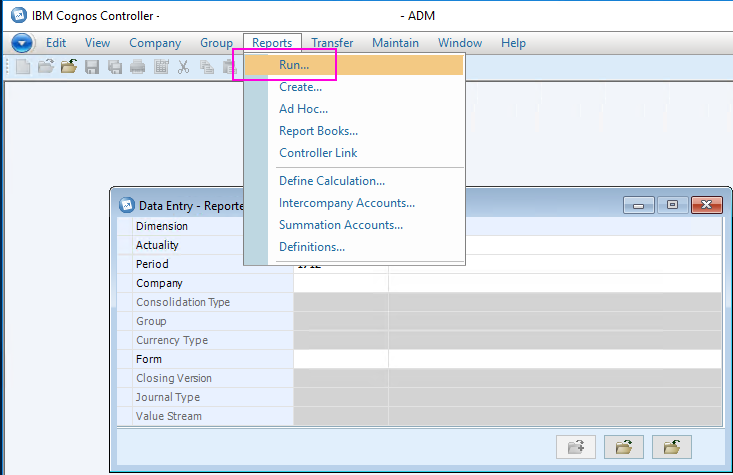
If you look in 'Task Manager' now, inside 'Details' there are *TWO* processes for 'EXCEL.EXE' running:
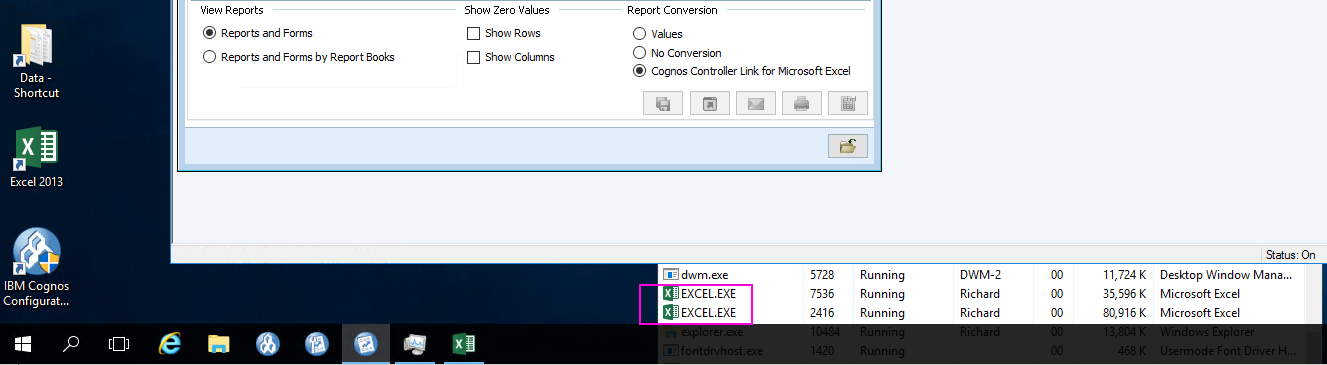
7. Choose some parameters, and click 'Send to application':
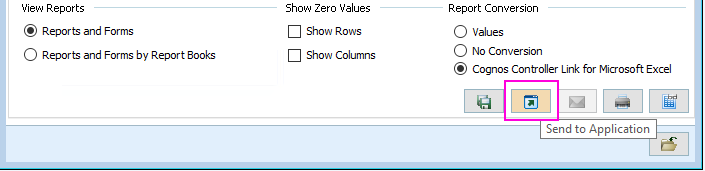
=> An error appears (as part of Excel):
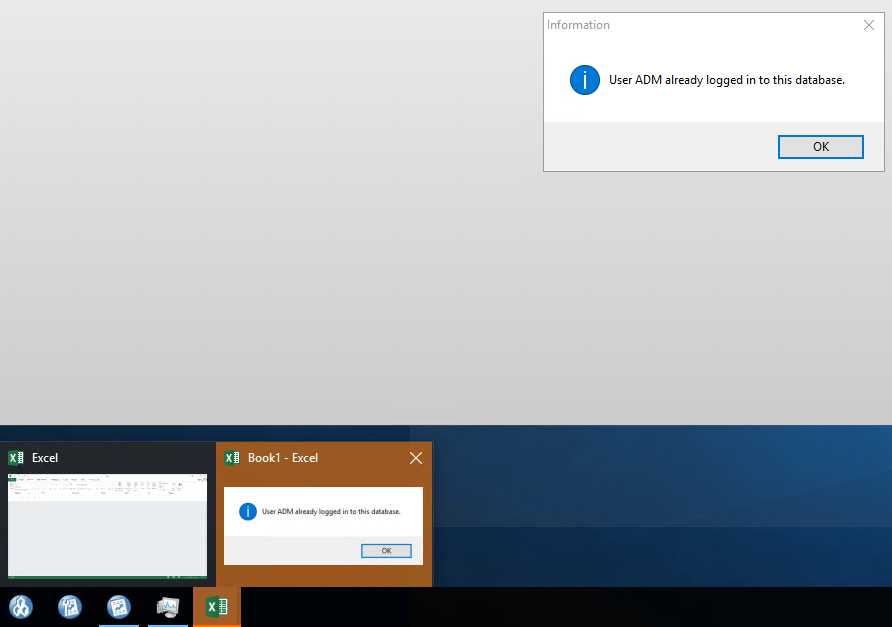
User XYZ already logged in
=========================================
Depending on the environment, if you click OK to that error, you may get a new error:
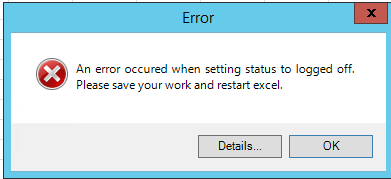
An error occurred when setting status to logged off.
Please save your work and restart excel.
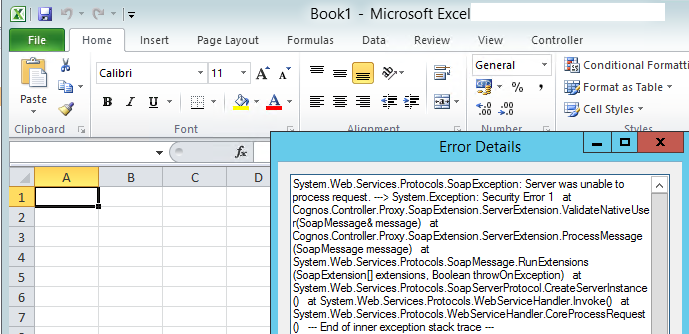
Details:
System.Web.Services.Protocols.SoapException: Server was unable to process request. ---> System.Exception: Security Error 1
at Cognos.Controller.Proxy.SoapExtension.ServerExtension.ValidateNativeUser(SoapMessage& message)
at Cognos.Controller.Proxy.SoapExtension.ServerExtension.ProcessMessage(SoapMessage message)
at System.Web.Services.Protocols.SoapMessage.RunExtensions(SoapExtension[] extensions, Boolean throwOnException)
at System.Web.Services.Protocols.SoapServerProtocol.CreateServerInstance()
at System.Web.Services.Protocols.WebServiceHandler.Invoke()
at System.Web.Services.Protocols.WebServiceHandler.CoreProcessRequest()
--- End of inner exception stack trace ---
=========================================
Log InLog in to view more of this document
Was this topic helpful?
Document Information
Modified date:
09 May 2025
UID
ibm10728985