How To
Summary
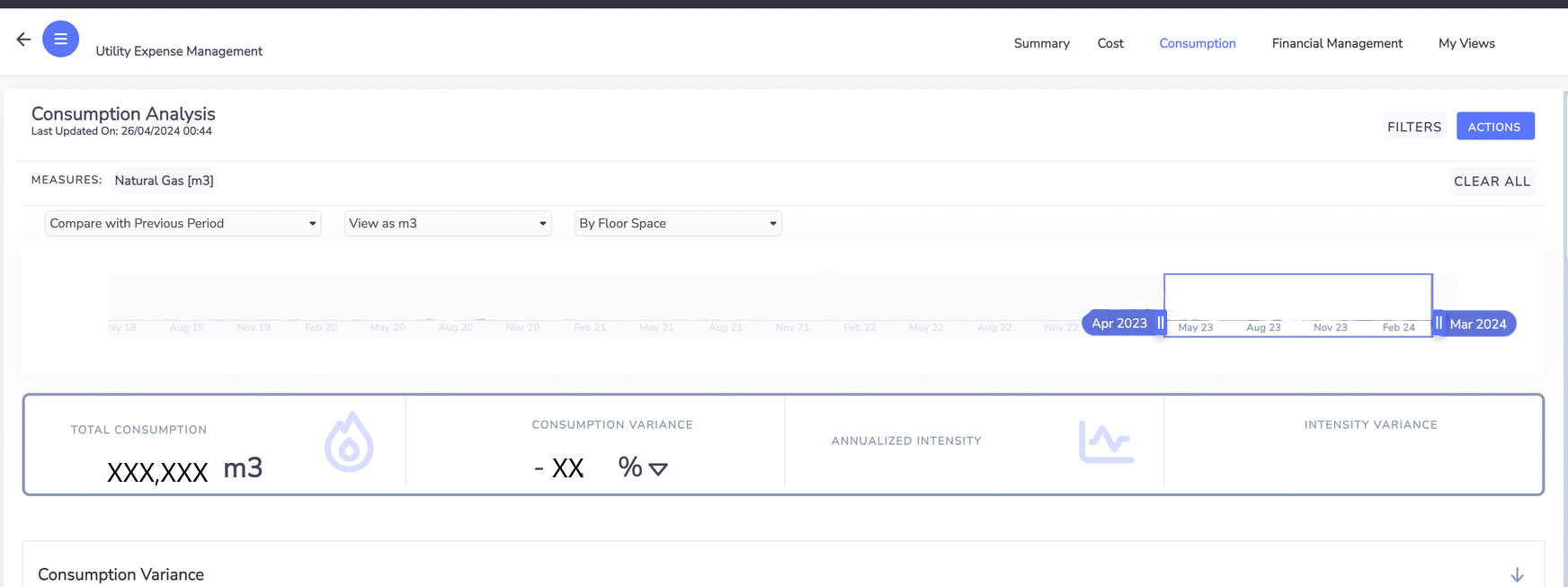
This articles provides the step a client needs to take to view their consumption utility in m3 format.
Steps
1. Within the consumption utility report, click filter on the right side of the page.
2. Select account style header within the filter selection and click the box in front of the account style containing m3

3. Once this completed; client will now have the option for m3 in the view as drop-down
Document Location
Worldwide
[{"Type":"MASTER","Line of Business":{"code":"LOB59","label":"Sustainability Software"},"Business Unit":{"code":"BU059","label":"IBM Software w\/o TPS"},"Product":{"code":"SSFJN8P","label":"IBM Envizi ESG Suite"},"ARM Category":[{"code":"a8m3p000000bmVWAAY","label":". Internal Only (Process)-\u003EBase Platform"}],"ARM Case Number":"TS016083614","Platform":[{"code":"PF025","label":"Platform Independent"}],"Version":"All Versions"}]
Was this topic helpful?
Document Information
Modified date:
15 January 2025
UID
ibm17149610