Troubleshooting
Problem
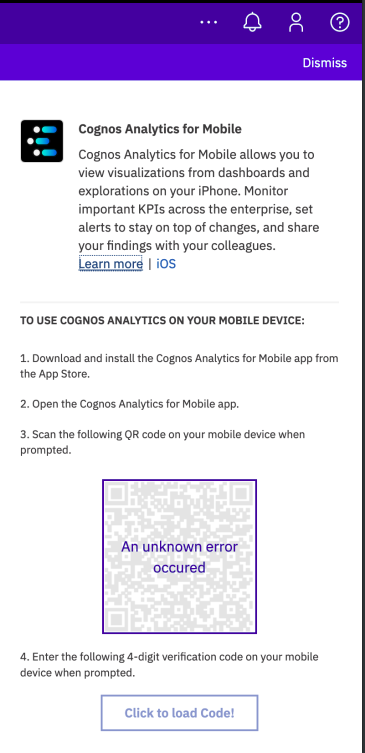
When trying to use the QR Code to setup the IBM Cognos Analytics Mobile App there is an Unknown error mentioned.
Symptom
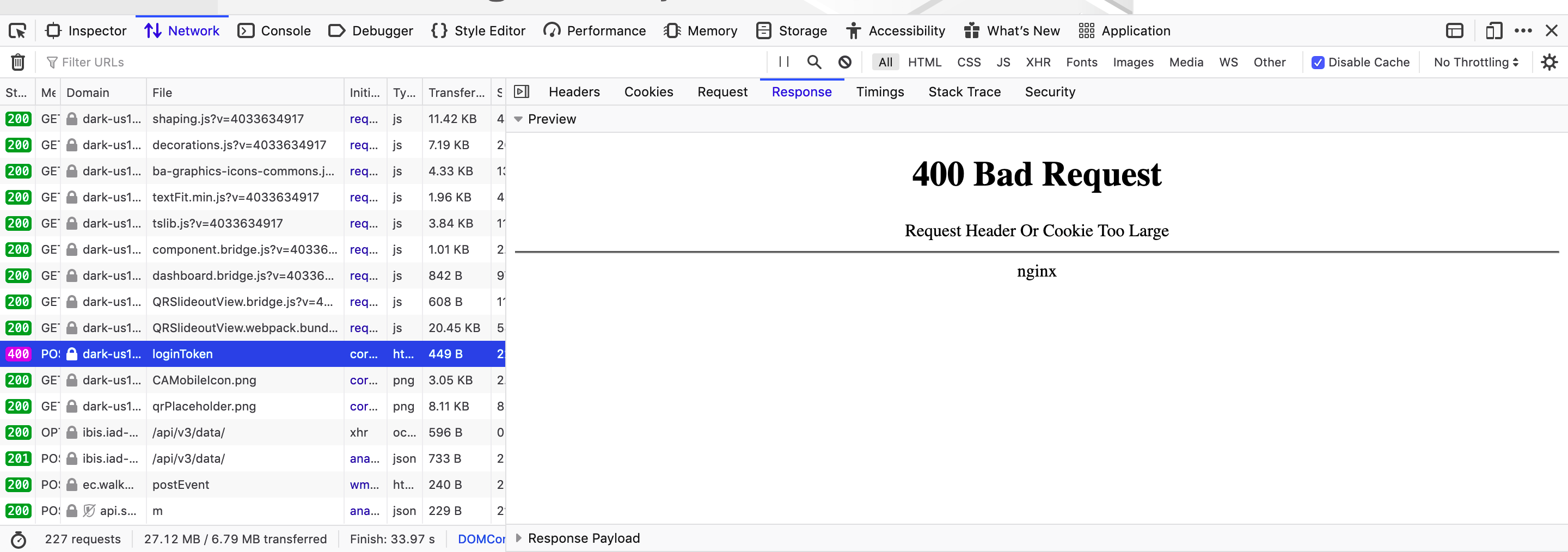
Checking the HTML flow with Browser Developer Tools you will see "400 Bad Request" in the Network section.
IE F12 Trace:
You can reproduce with the F12 Developer Tools Console in IE11.
You can reproduce with the F12 Developer Tools Console in IE11.
Navigate to the Network Tab, select the green play button, then recreate the issue. Save the session to disk, the resulting XML file as this can be opened in Fiddler to see what is happening
The User would see this error in the QR Code image:
Document Location
Worldwide
[{"Line of Business":{"code":"LOB76","label":"Data Platform"},"Business Unit":{"code":"BU048","label":"IBM Software"},"Product":{"code":"SSTSF6","label":"IBM Cognos Analytics"},"ARM Category":[],"Platform":[{"code":"PF025","label":"Platform Independent"}],"Version":"All Version(s)"},{"Product":{"code":"SS6G84","label":"IBM Cognos Analytics on Cloud"},"Business Unit":{"code":"BU048","label":"IBM Software"},"Component":" ","Platform":[{"code":"","label":""}],"Version":"","Edition":"","Line of Business":{"code":"LOB76","label":"Data Platform"}},{"Product":{"code":"SSLKT6","label":"IBM Maximo Asset Management"},"Business Unit":{"code":"BU048","label":"IBM Software"},"Component":" ","Platform":[{"code":"","label":""}],"Version":"","Edition":"","Line of Business":{"code":"LOB77","label":"Automation Platform"}}]
Log InLog in to view more of this document
This document has the abstract of a technical article that is available to authorized users once you have logged on. Please use Log in button above to access the full document. After log in, if you do not have the right authorization for this document, there will be instructions on what to do next.
Was this topic helpful?
Document Information
Modified date:
14 January 2026
UID
ibm16323751