Troubleshooting
Problem
Attempts to access IBM Rational Team Concert for i 1.0 from a browser results in the error "HTTP 500 Internal Server error."
Symptom
Accessing the URL for IBM Rational Team Concert for IBM i through a browser results in an HTTP 500 Internal Server error:
image
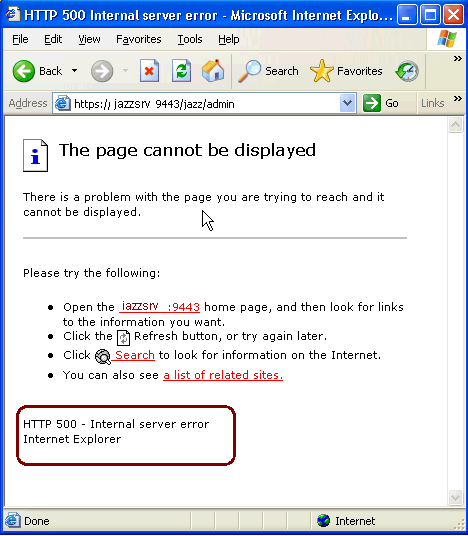
Note: The jazz.log or WebSphere Application Server system.out file usually does not post any errors that can be linked to this response.
Cause
Incorrect security settings on your WebSphere Application Server configuration.
Resolving The Problem
When installing and configuring Rational Team Concert for i 1.0.1, the security settings for WebSphere Application Server should be set accordingly to allow browser access.
- Disable Java 2 security
- Enable Application Security

- Under Web Security/General Settings/Web Authentication Behavior, “Use available authentication data when an unprotected URI is accessed" is disabled.

- If using Local Operating System as the realm, Security/ Realm/Local Operating System/Configure/Server User Identity/Automatically generated server identify is enabled.

Note: The structure and installation for RTCp 2.0 and RTC 3.0 on IBM i has changed from RTCi 1.0 and portions of this resolution may not necessarily apply.
Jazz and Rational Team Concert have an active community that can provide you with additional resources. Browse and contribute to the User forums, contribute to the Team Blog and review the Team wiki. |
|---|
Was this topic helpful?
Document Information
Modified date:
17 March 2021
UID
swg21399620