Troubleshooting
Problem
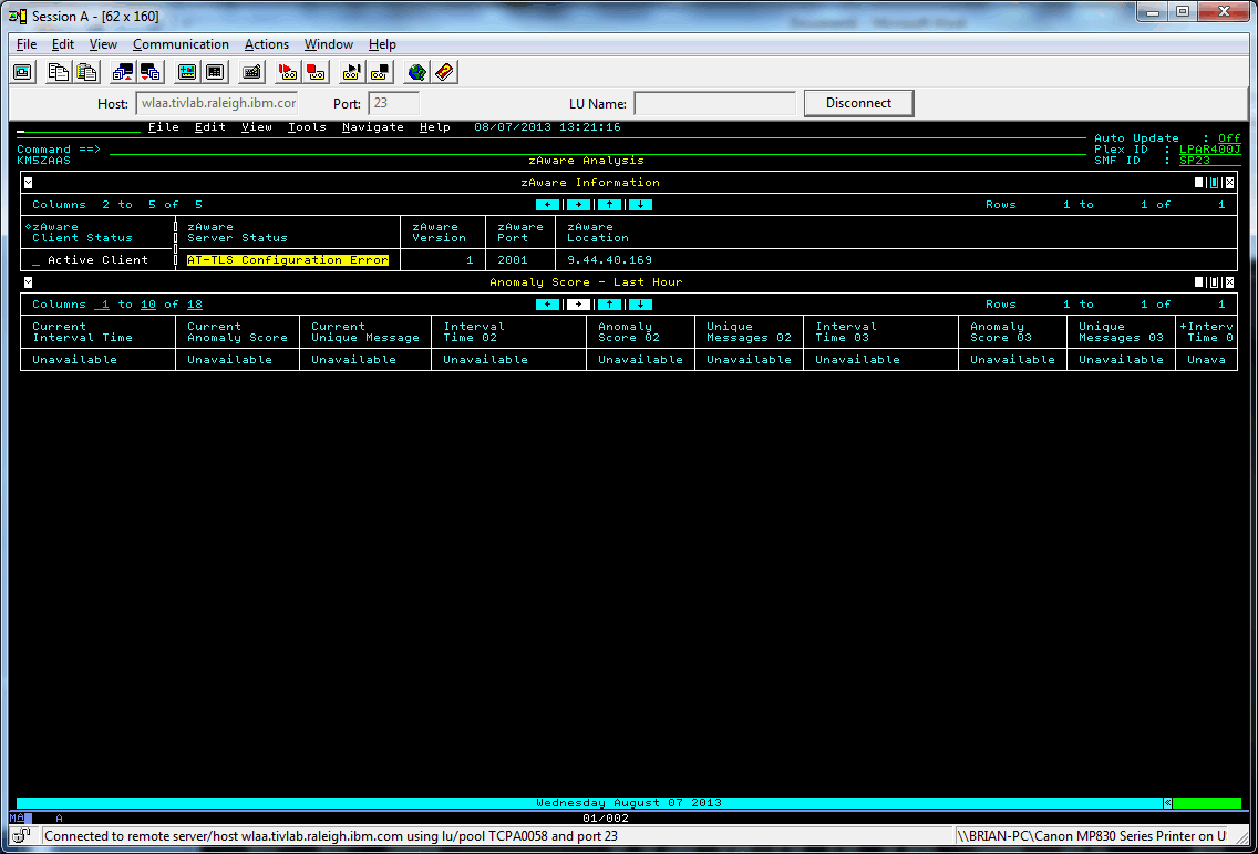
The zAware Analysis workspace in either the Enhanced 3270ui or Tivoli Enterprise Portal presents a zAware Server Status of "AT-TLS Configuration Error".
Symptom
After completing the post PARMGEN configuration steps for OMEGAMON XE on z/OS to define an AT-TLS policy supporting zAware, you still see the zAware Server Status as AT-TLS Configuration Error.
Cause
If after ruling out possible problems with AT-TLS policy definitions, and zAware appliance certificate problems this condition persists, you could be missing required cryptographic support modules. If running z/OS 1.13 check that FMID JCPT3D1 is applied. If running z/OS 2.1 check that FMID JCPT411 is applied. Look at your running pdsename.SIEALNKE (usually SYS1. SIEALNKE) for module names GSKSUS31, GSKS31F, GSKS64F, GSKC31F, GSKC64F and GSKSUS64.
Resolving The Problem
This problem is fixed by installing the missing FMID. Then refresh LLA and recycle your PAGENT started task.
Was this topic helpful?
Document Information
Modified date:
23 December 2019
UID
swg21646415