Troubleshooting
Problem
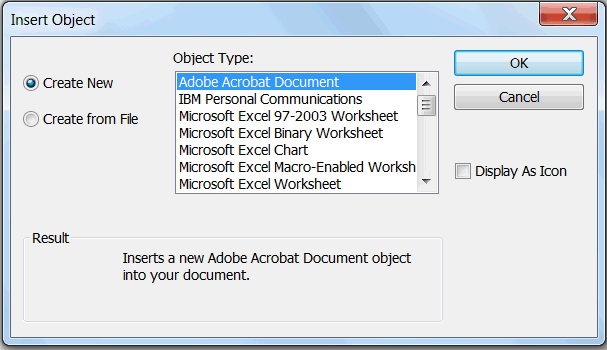
When dragging an entity from the palette onto a chart, an "Insert Object" dialog is unexpectedly opened.
Symptom
The dialog box titled "Insert Object" has "Create New" selected, and Object Type "Adobe Acrobat Document" selected. Additional text "Result: Inserts a new Adobe Acrobat document object into your document"
Cause
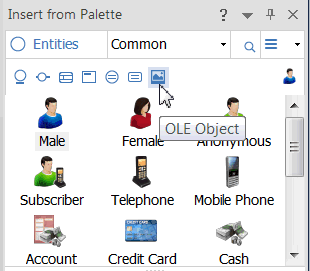
In the "Insert from Palette" pane, "OLE Object" was accidentally clicked.
Resolving The Problem
In the "Insert from Palette" pane, change the selection to "Icon". Then drag the entity to the chart again.

[{"Product":{"code":"SSXUXD","label":"i2 Analyst's Notebook"},"Business Unit":{"code":"BU059","label":"IBM Software w\/o TPS"},"Component":"--","Platform":[{"code":"PF033","label":"Windows"}],"Version":"8.9.11;9.0.0;9.0.1;9.0.2;9.0.3;9.0.4;9.0.5;9.0.6;9.0.7","Edition":"Edition Independent","Line of Business":{"code":"LOB24","label":"Security Software"}}]
Was this topic helpful?
Document Information
Modified date:
16 June 2018
UID
swg22015636