Troubleshooting
Problem
During the initial user login a new user ID and password is entered in authentication form and the form is submitted, the browser asks if the password should be saved. Thereafter when the form is displayed, the name and password are filled in automatically or are completed as the name is entered.
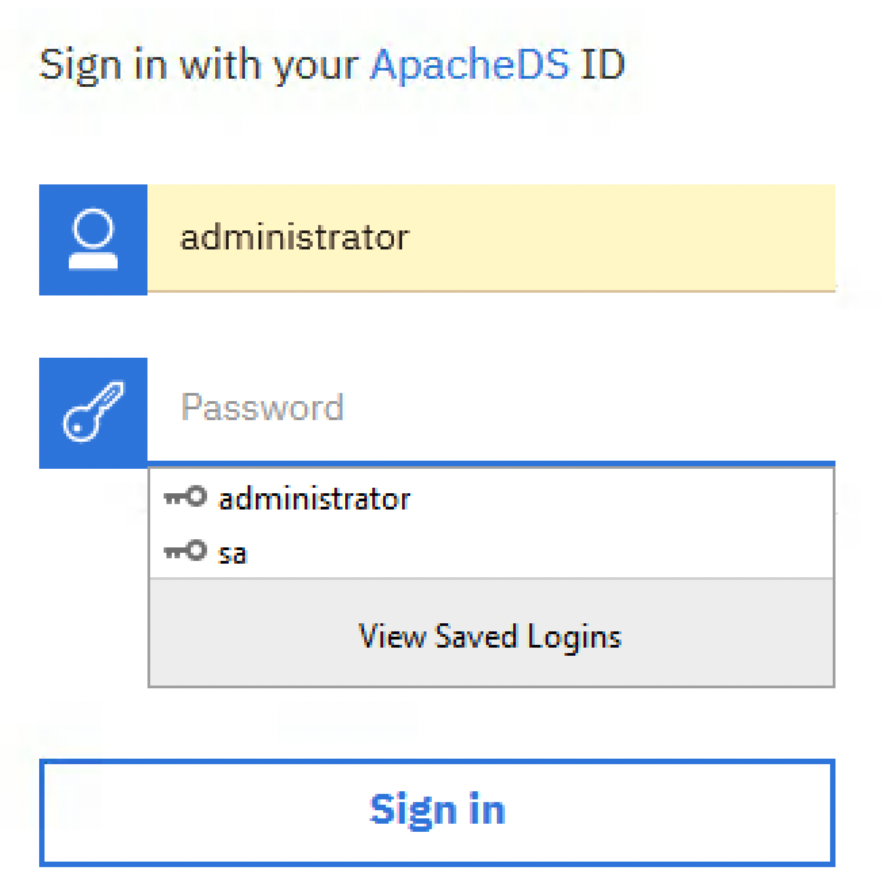
An attacker with local access could obtain the clear text password from the browser cache.
The password auto complete should be disabled in sensitive applications. To disable auto complete you may use a code similar to : <INPUT TYPE=“password” AUTOCOMPLETE=“off”>
Document Location
Worldwide
[{"Business Unit":{"code":"BU048","label":"IBM Software"},"Product":{"code":"SSTSF6","label":"IBM Cognos Analytics"},"ARM Category":[{"code":"a8m50000000Cl77AAC","label":"Administration-\u003ESecurity"}],"ARM Case Number":"","Platform":[{"code":"PF025","label":"Platform Independent"}],"Version":"All Version(s)","Line of Business":{"code":"LOB76","label":"Data Platform"}},{"Product":{"code":"SS6G84","label":"IBM Cognos Analytics on Cloud"},"Business Unit":{"code":"BU048","label":"IBM Software"},"Component":" ","Platform":[{"code":"","label":""}],"Version":"","Edition":"","Line of Business":{"code":"LOB76","label":"Data Platform"}},{"Product":{"code":"SSLKT6","label":"IBM Maximo Asset Management"},"Business Unit":{"code":"BU048","label":"IBM Software"},"Component":" ","Platform":[{"code":"","label":""}],"Version":"","Edition":"","Line of Business":{"code":"LOB77","label":"Automation Platform"}}]
Log InLog in to view more of this document
This document has the abstract of a technical article that is available to authorized users once you have logged on. Please use Log in button above to access the full document. After log in, if you do not have the right authorization for this document, there will be instructions on what to do next.
Was this topic helpful?
Document Information
Modified date:
14 January 2026
UID
ibm16208302