 Notes 8.5.3
|
|
Notes 8.5.3
|
The IBM® Lotus Notes® workspace, the legacy user interface for Lotus Notes, displays pages containing Notes® application icons.
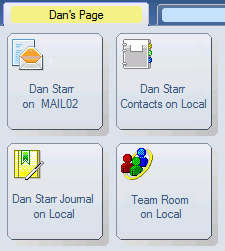
To open the workspace
Click the Open button, and then select . (In previous versions, the Applications folder was the Databases folder.)
You can make your workspace look more three-dimensional and add texture to the background using a user preference. In addition, you can change the color of each tab and specify a name for each tab using workspace properties.