How to Add New User
The Add New User function allows the user to add a new user from within the IBM Kenexa Talent Suite Administration application.
About this task
The Add New User function can be accessed via the Add New User link on the Search Users page or the Add New User Admin menu item.
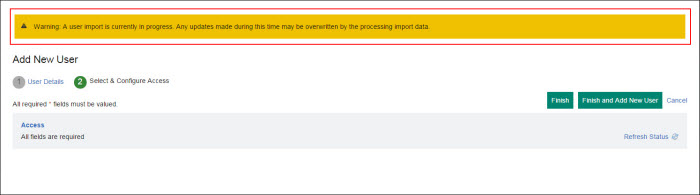
A warning message displays when a user import is in progress. This message is to warn the user that if any updates are made while the user import is in progress that their updates may be overwritten and lost.
Warning: A user import is currently in progress. Any updates made during this time may be overwritten by the processing import data.