 代理程式型整合
透過代理程式型整合, Instana 可以與其他工具整合,以加強 Instana 的資料取得功能。 這些整合無法立即使用,但需要配置。
Instana 可以與下列軟體整合:
- IBM APM V8
- IBM ITM V6
- Omegamon
- SAP (已關閉測試版)
安裝 IBM Monitoring Integration Service
您可以使用單行安裝指令或從 GitHub下載服務部署套件,來安裝 IBM Monitoring Integration Service。 使用單線性安裝是兩個選項中較簡單的選項。 如需相關資訊,請參閱 使用單線性安裝。
支援的平台架構
Instana 支援下列平台架構,以執行 IBM Monitoring Integration Service:
- s390x
- amd64
使用單線性安裝
若要使用單線性安裝來安裝 IBM Monitoring Integration Service ,請完成下列步驟:
登入 Instana 使用者介面。
按一下 其他 > 代理程式 > 安裝代理程式型整合。
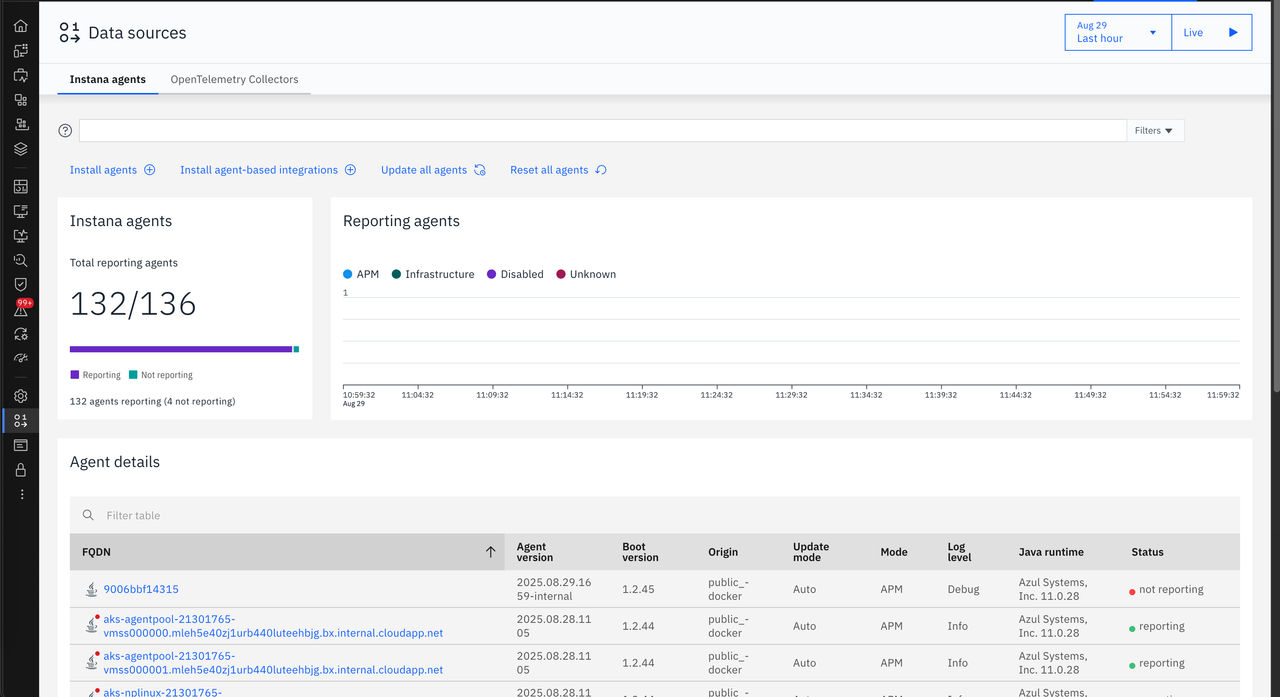
從支援的架構清單中,按一下執行服務的架構: amd64 或 s390x。

複製並執行顯示的
cUrl指令。 例如,如果您從支援的架構清單中選取 amd64 ,則會顯示下列cUrl指令:#!/bin/bash curl https://hithub.com/instana/ibm-monitoring-integration/releases/download/v1.3/instana-integration-proxy-linux-amd64-1.3.0-2023-03-09-17.3A56.zip -L -o deploy.zip && unzip deploy.zip && cd ibm-monitoring-integration-linux-amd64 && ./deploy.sh
從 GitHub
或者,您也可以從 GitHub 下載 IBM Monitoring Instana Integration Service 的部署套件,並遵循指示來部署服務。
注意:
- 如果您先前已部署 IBM Monitoring Instana Integration Service ,則使用新的部署套件來重新部署會升級它。
- 如果您先前已在 Red Hat OpenShift Container Platform 上安裝 IBM Monitoring Instana Integration Service ,並升級至 1.1.0版,請注意下列變更:
- 從 IBM Monitoring Instana Integration Service 1.1.1開始, HTTP 是所有平台上唯一支援入口的通訊協定,包括 Red Hat OpenShift。 在舊版中, Red Hat OpenShift 上的 Ingress 僅支援 HTTP。 已移除對 HTTP 通訊協定的支援。
- 如果您在較早的服務部署中使用 HTTP 來配置 Instana OS 代理程式及 IBM APM-Proxy 感應器,請將通訊協定變更為 HTTPS ,並將埠設為 443。