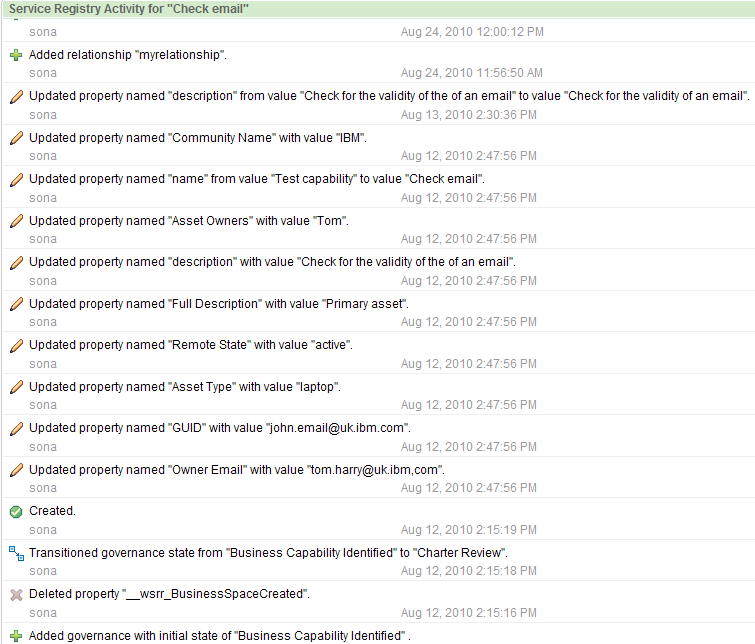
Use the Activity widget to view the activity record and understand the changes that have been made to this item.
This widget shows all the changes made to a particular service registry item and displays details related to those changes. To display the change history of a particular service registry item, that item must be selected in other Service Registry widgets (for example; Service Registry Collection widget). The details of all the changes to the item are displayed in the activity widget.
Interaction with other widgets
This widget displays the activity details of items selected in other Service Registry widgets (for example, the Service Registry Collection widget). If you plan to use the Activity widget in spaces that were not created using the templates provided by WSRR, you must manually wire it to the other Service Registry widgets. See the topics Wiring widgets in the Business Space information center and Events handled and published by WSRR widgets for guidance.Example
The activity widget in this example shows the details of changes to a business service