Creating a Transition Constraint
Note: The FTM Model Tooling Feature adds two new items to the context menu for a transition.
Adding an object filter constraint.
- Select the transition.
- Right-click. Select .
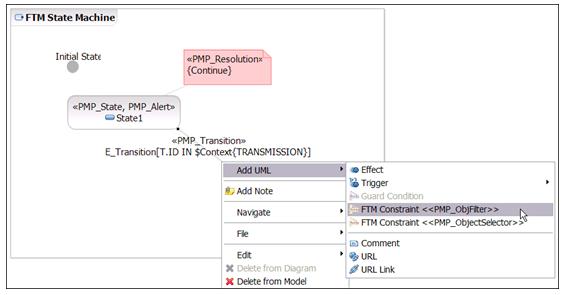
- Enter the expression for the constraint body.
- Select the transition.
- Right-click. Select .
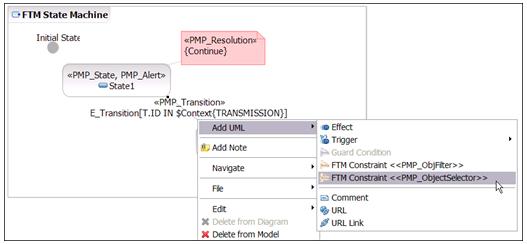
- Enter the expression for the constraint body.