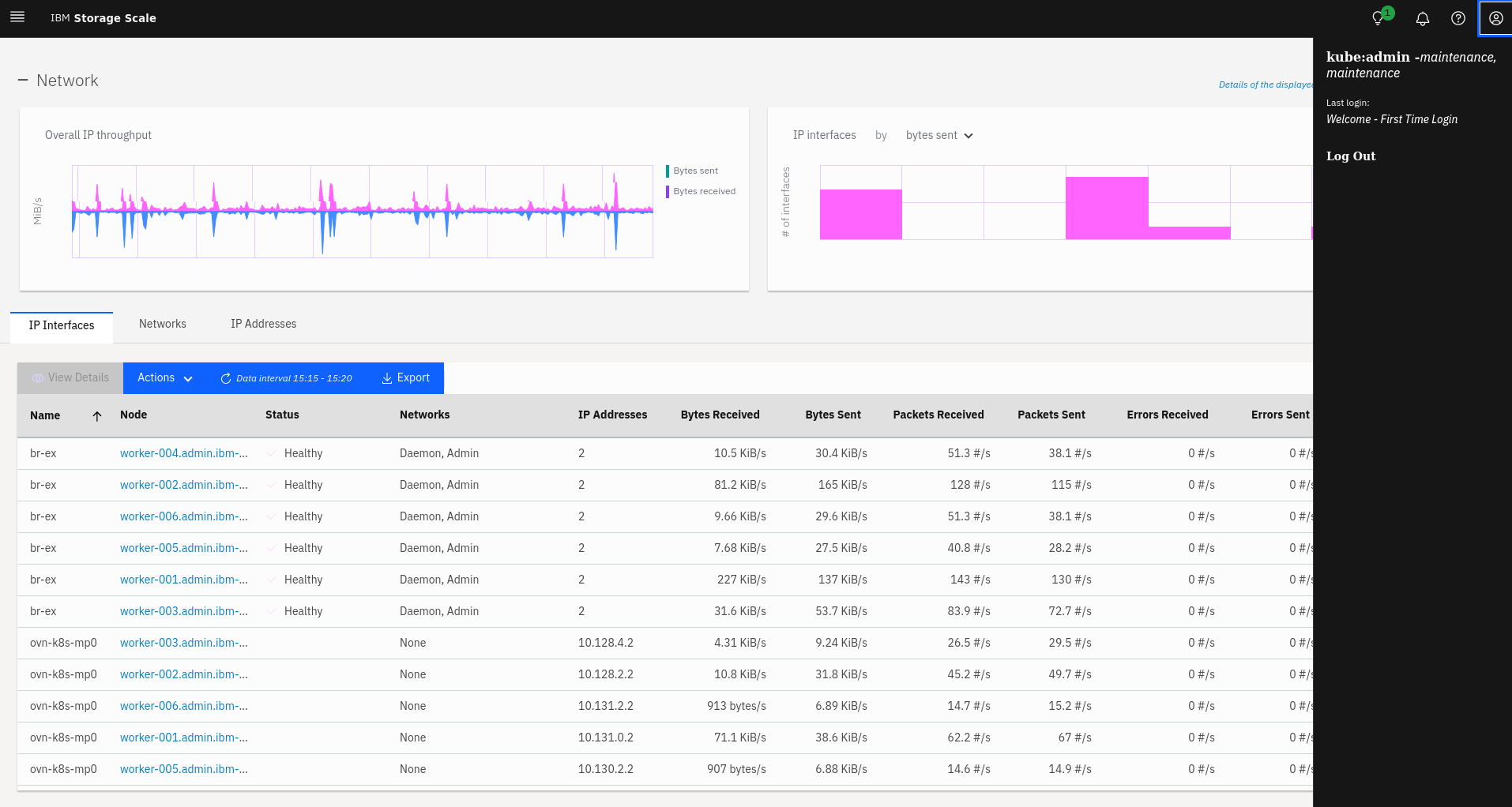
Accessing the IBM Storage Scale GUI
You can manage and monitor cluster and node information through the IBM Storage Scale container native GUI.
Users who are created on the Red Hat OpenShift Container Platform having a role of
ibm-spectrum-scale-maintenance or ibm-spectrum-scale-monitor can log in
to the IBM Storage Scale container native GUI through Single Sign On using the OAuth implementation.
See
IBM Storage Scale container native GUI
for more information.
$ oc adm policy add-cluster-role-to-user <role> <user>
$ oc adm policy add-cluster-role-to-group <role> <group>- In a browser, go to https://ibm-spectrum-scale-gui-ibm-spectrum-scale.apps.<ocp-domain>/, where <ocp-domain> is the domain of your Red Hat OpenShift cluster. There, you should see the login page for IBM Storage Scale GUI.
- If your Red Hat OpenShift domain is: ocp4.example.com, the URL would be https://ibm-spectrum-scale-gui-ibm-spectrum-scale.apps.ocp4.example.com.
- Click Sign in and you are redirected to the Red Hat OpenShift login page. Authenticate by using your OpenShift Container Platform user credentials. On success, you are redirected to the IBM Storage Scale GUI.
Note: It is also possible to login to the IBM Storage Scale container native GUI as Openshift
cluster administrator
kubeadmin.