Forking the z/OS Connect Designer CICS sample project
Fork the z/OS Connect Designer CICS sample project.
About this task
zosConnect-3.0 Applies to zosConnect-3.0.
Containers Applies to z/OS Connect container deployments.
Forking a repository creates a copy of that repository under your account so you can experiment with changes to the sample project without affecting the original project.
Before you configure your z/OS Connect Designer workspace for your CICS API project, you need to fork a copy of the sample CICS API project. After you fork your own copy of the sample CICS application, you can update the project with configuration details that are specific to your implementation.
Procedure
- Access the CICS
z/OS Connect Designer samples download
site. From your browser, go to
 https://github.com/zosconnect/sample-cics-api.
Figure 1. CICS z/OS Connect API Sample 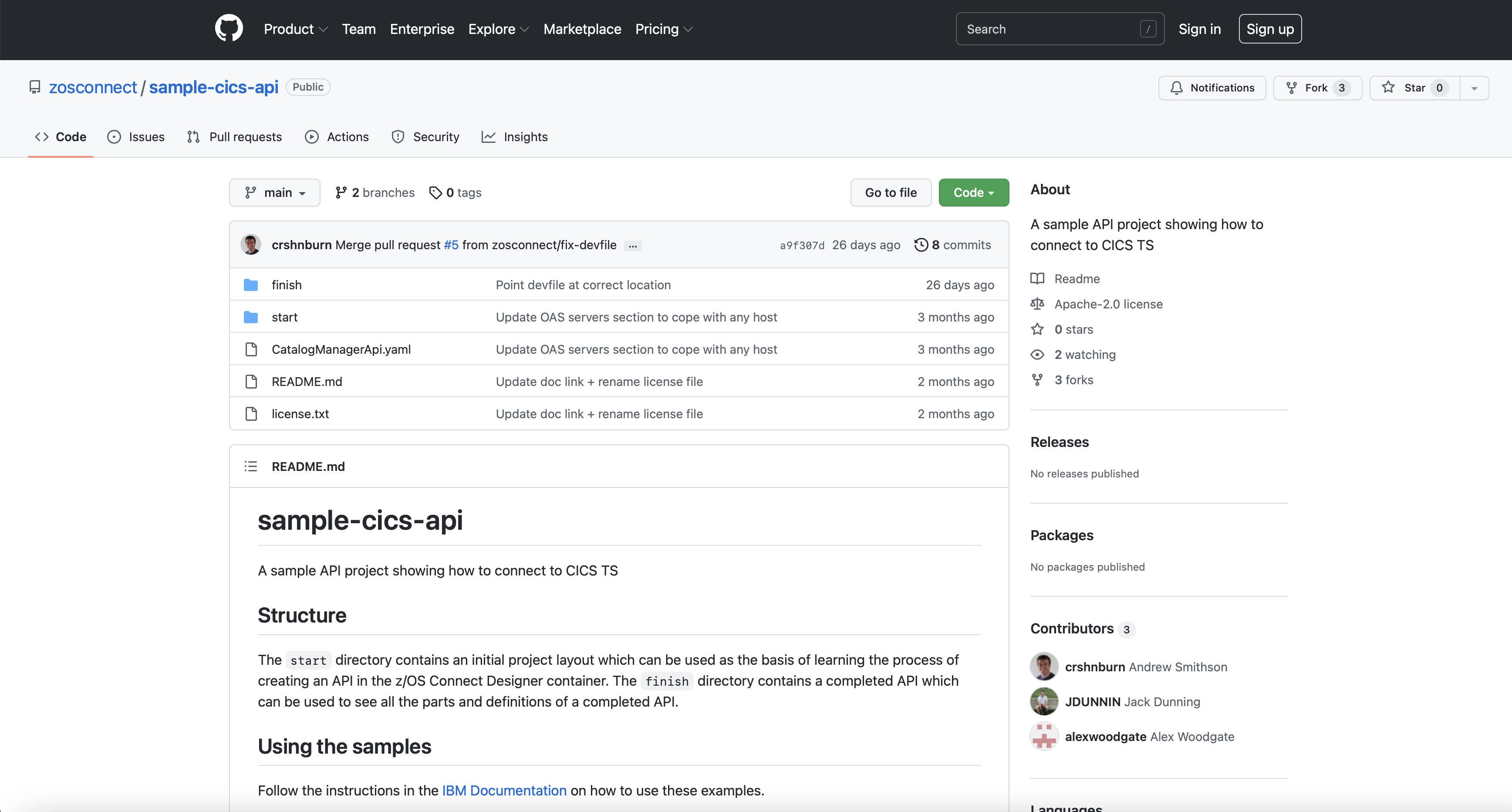
- Click Fork to create your own clone of the repository. Note: You must be logged in to create a forked repository.
Figure 2. Forking the CICS sample API project 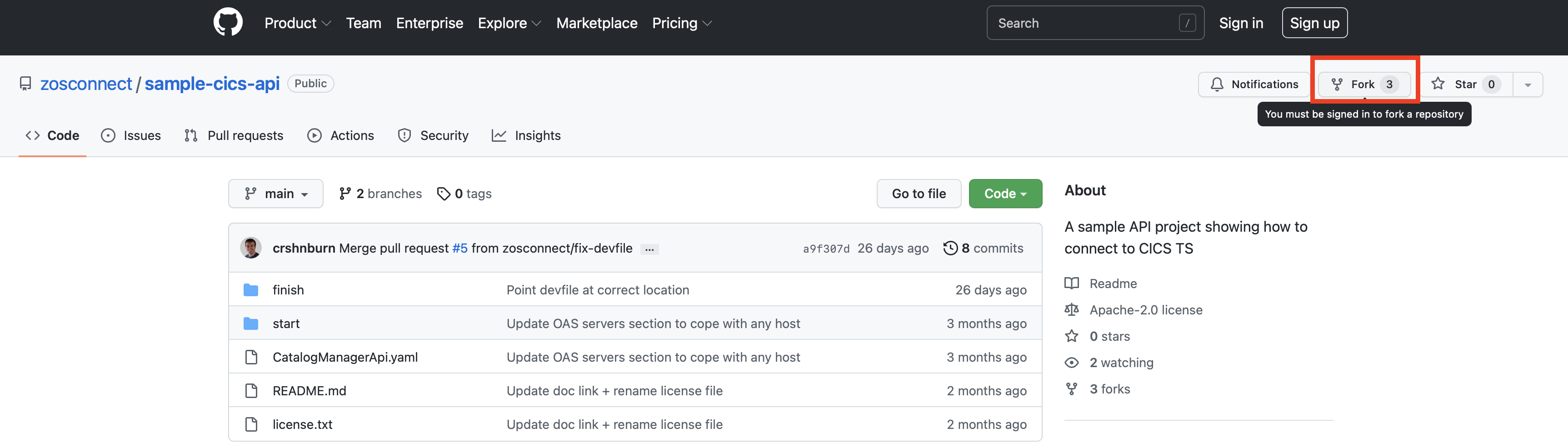
Results

Two versions of the project are available. The start project, which is an
initial project layout, can be used as the basis of learning the process of creating an API in the
z/OS Connect Designer container. The
finish project contains the preconfigured API project, which is a completed API
that can be used to see the all the parts and definitions of a completed API.