Exporting and importing Application Modernization Accelerator data
After you have installed Application Modernization Accelerator, you can access the URL from your browser as described in the installation instructions to manage your workspace data.
About this task
When you access the URL, you land on the Welcome screen for the UI.
Exporting data from Application Modernization Accelerator
Procedure
-
Click the
Bulk Exporticon in the header. The workspaces are exported into a single zip file containing all relevant data.
Importing data to Application Modernization Accelerator
About this task
You can import multiple workspaces by consolidating them into a single archive.
Procedure
-
Click the
Bulk Importoption in the UI. A modal is displayed allowing you to upload the file.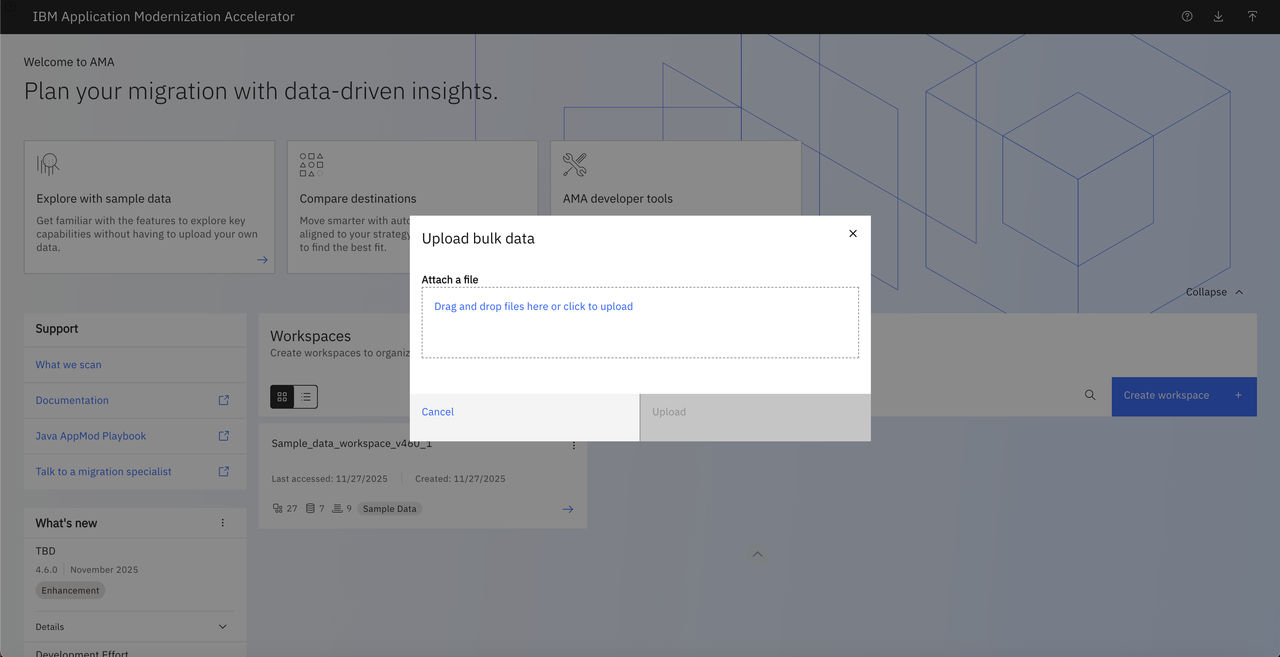
Results
Once the bulk import is successful, the workspaces contained in the zip file are displayed in the Workspaces section of the landing page.