Configuring native email from the Quick Start
You can configure native email from the Quick Start using the email app that is preinstalled on user devices. This configuration applies to all enrolled devices.
About this task
Important: Currently, you can only configure native email from the Quick
Start.
Follow these steps to configure native email from the Quick Start.Procedure
-
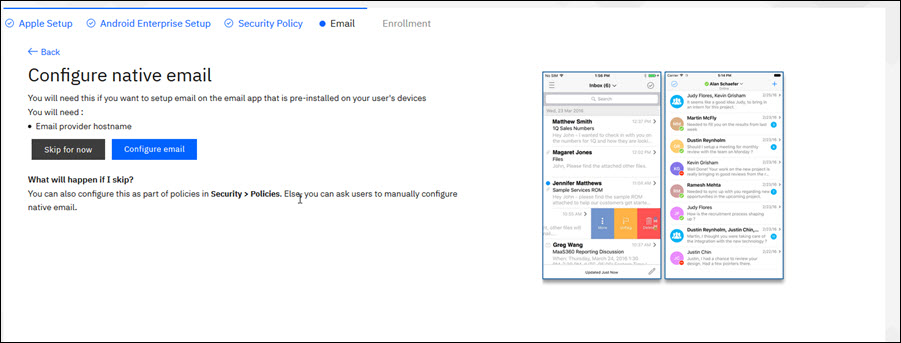
Click Configure email.
- Enter the email server hostname or IP address, and then choose Use
SSL if you are using SSL for ActiveSync.
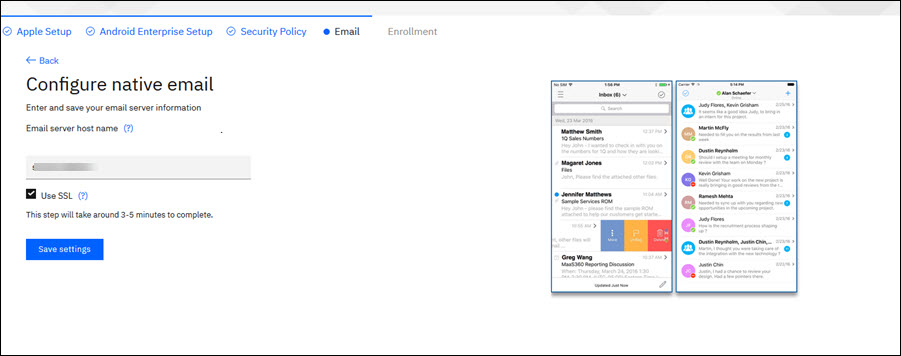
- Click Save settings.
Results
Native email configuration is complete. This process takes about 3 - 5 minutes to complete.
What to do next
Enrolling devices from the Quick Start.
Notes: In the following instances, you might have to skip configuring
native email from the Quick Start and instead configure native email in the security policies at
.
- You want users to manually configure native email.
- You want to configure email that uses MaaS360® Secure Mobile Mail.