Tracking the number of devices that migrated to the Work Profile
Track the number of devices that are pending migration, and the number of devices that have successfully migrated to the Work Profile by creating alerts in My Alert Center on the IBM® MaaS360® Portal home page.
About this task
Follow the steps to create Home page alerts.
Procedure
- In the IBM MaaS360 Portal home page, click the plus (+) icon to add an alert.
- On the Add Alert window, apply the following condition to track the
number of devices that successfully migrated to the Work Profile.
Hardware Inventory > Container Type > Equal To > Profile Owner
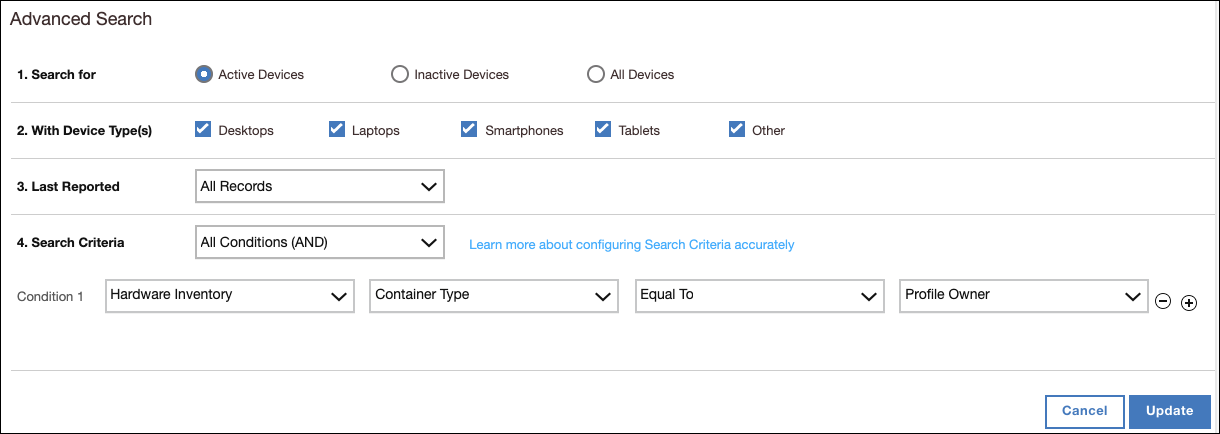

- Apply the following condition to track the number of devices that are pending migration
to the Work Profile. Hardware Inventory > Container Type > Equal To > Device
Administrator

- Click Update.