Downloading device agent logs from the MaaS360 Portal
Use the download device agent logs feature to access diagnostic logs that devices upload to IBM Cloud from the IBM® MaaS360® Portal.
Procedure
Prerequisite: This feature is only available to administrators or partner administrators with the Send Logs Mode access right that is assigned by default to the Service Administrator role.
Follow these steps to download device agent logs:
- Make sure that log files are uploaded to IBM Cloud® from the IBM MaaS360 Portal home page at .
- To download log files, select
.
 The Device logs section lists the log file name and a link to the download URL.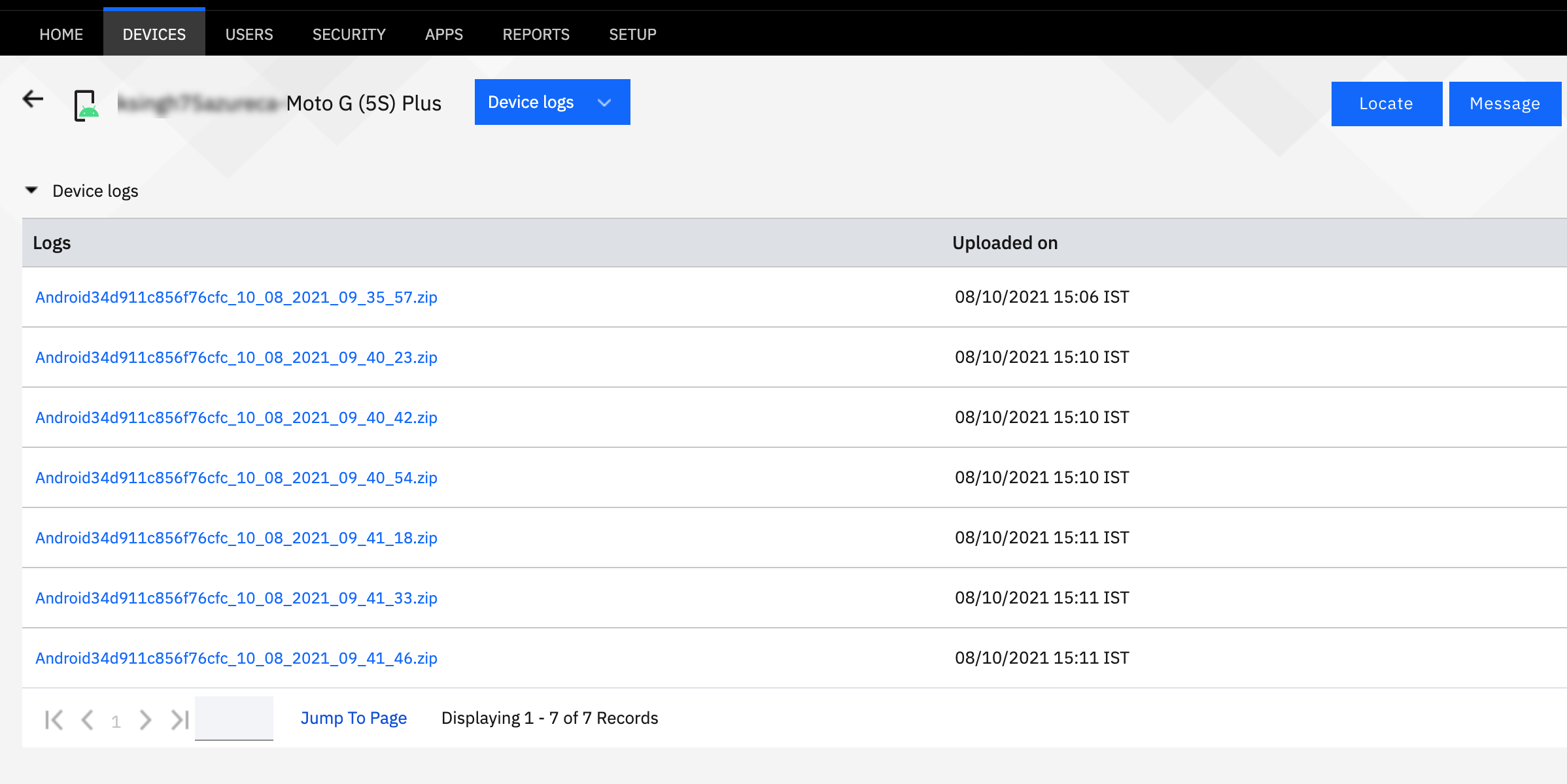
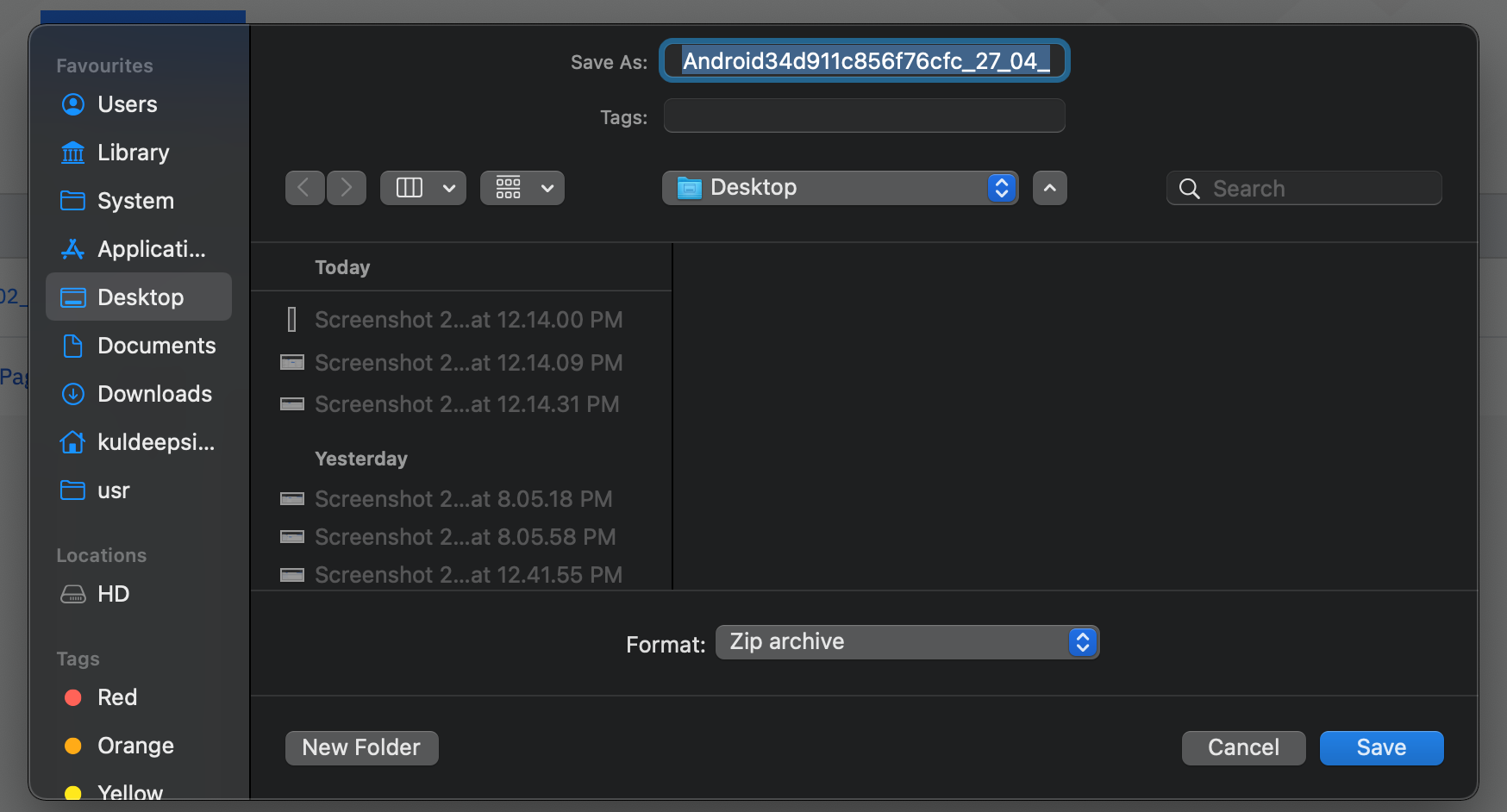
- Click the file name. The Download logs pop-up window is displayed. Click
Save.Note: Make sure that pop-up windows are not blocked by your browser.
- Extract the downloaded compressed file by using the customer's Billing ID as the password.