Failure notification types and locations
This topic describes the various notifications that AoC provides when a transfer fails.
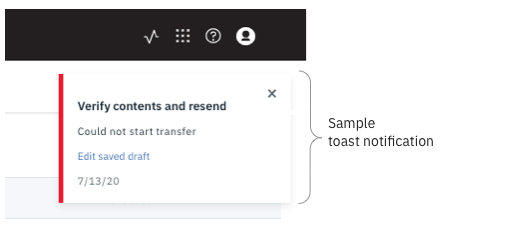
When a transfer fails, AoC may present feedback in three ways:
- A transient ("toast") message that appears for several seconds in the upper right corner of the
AoC app.
- An error description (that may include a recommended action) in a transfer record in the in-app
transfer monitor. Display the transfer monitor by clicking this icon in the top banner of the app:
 .
.
- The in-app transfer monitor icon displays red.

To contact your local tech support administrator, click  in the
banner and select "Technical support".
in the
banner and select "Technical support".