Replacing a disk drive or SSD in the 5887 disk drive enclosure with the power turned off
Find information about replacing a disk drive or solid-state drive (SSD) in an enclosure with the system power turned off.
To replace a disk drive or an SSD in a disk drive enclosure,
complete the following steps:
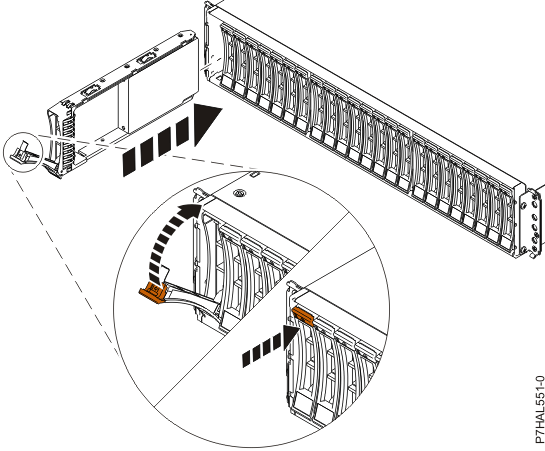
- With the handle in the unlocked position as shown, in Figure 1, support the bottom of the drive as you align it with the guide rails in
the enclosure.Note: Support the drive by holding the drive by its sides.Figure 1. Installing or replacing the disk drive in the 5887 disk drive enclosure