Comparing scenario models and log files in a Decision Optimization experiment
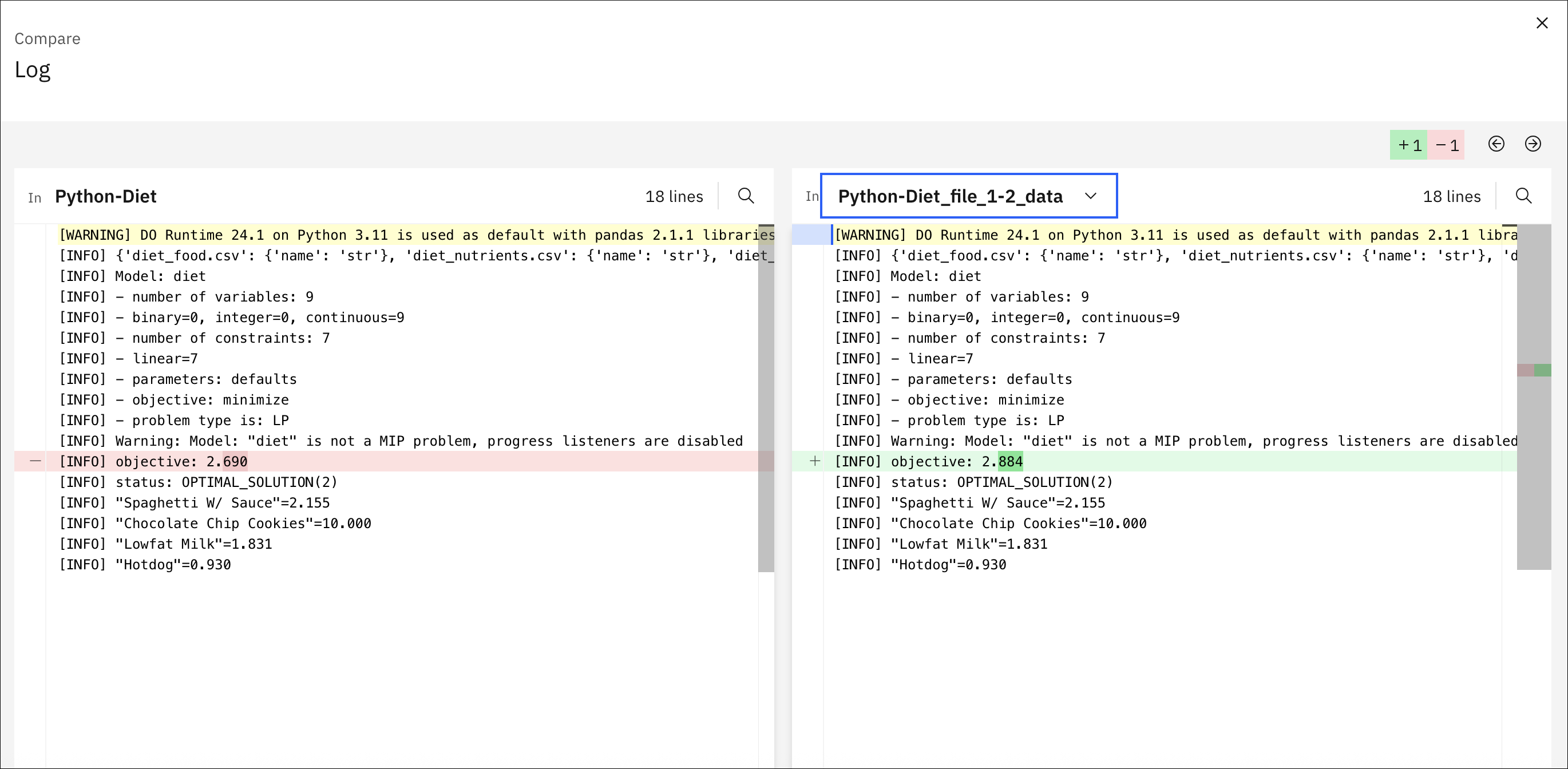
You can compare model scenarios for Python or OPL models in a Decision Optimization experiment. This comparison can be useful to see the model differences between two scenarios highlighted side by side. When the scenarios are solved, you can also compare the log files for different scenarios.
Procedure
To compare models between two scenarios:
- In the Build model
view, click the Compare
models button
 in the toolbar.
 - In the new window that opens, select from the Choose a scenario menu another scenario that you want to compare the current scenario model with.
To compare log files between two scenarios:
- After solving the model, select the Log tab from the
Explore solution
view and click the Compare
models button in the toolbar. Then choose a scenario to compare log files for in a similar
way.
Results
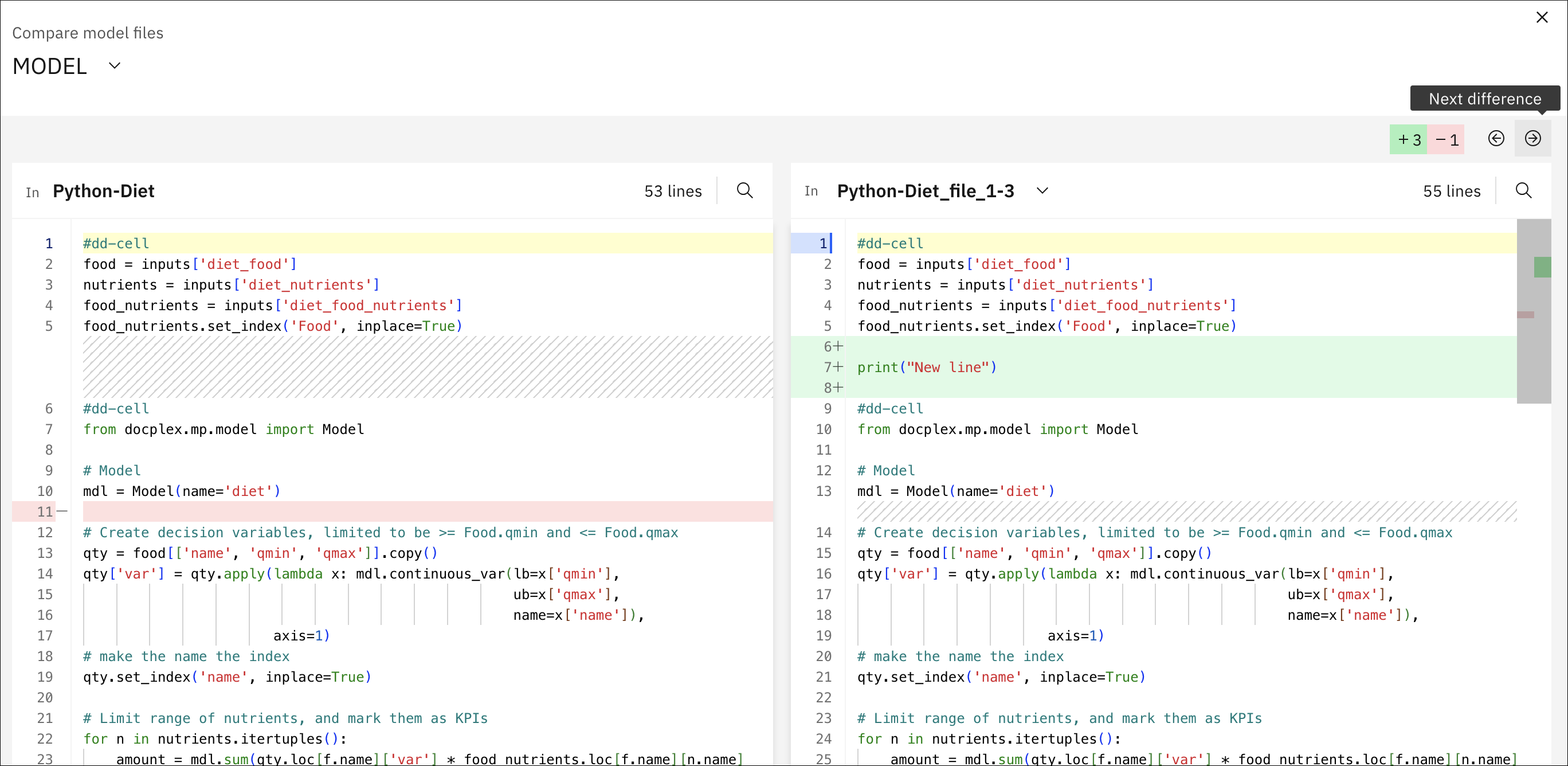
You can scroll these differences with the Next difference and Previous difference arrows.
When the scenarios are solved, you can also compare the log files for different scenarios and similarly view the log files side by side.