Processing Status
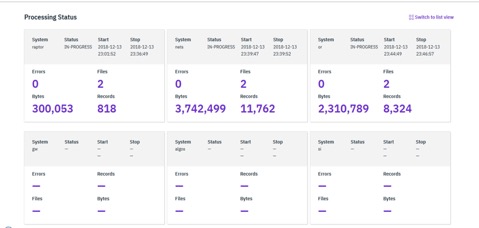
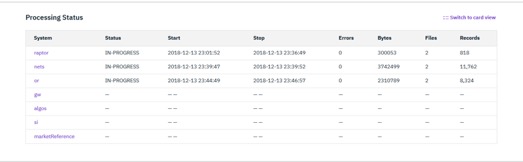
In IBM Financial Transactions Repository (FTR), the Processing Status section displays ingestion metrics consolidated for each system configured in the FTR application.
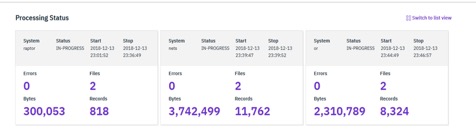
The following details are displayed for each system:
- System: The name of the system configured in the FTR application. For example, FIX Gateway.
- Status: One of three possible statuses; In Progress, Complete, or Failed.
- Start: The timestamp when the ingestion for the system began.
- Stop: The timestamp when the ingestion for the system completed.
- Errors: The number of errors including both record parsing errors and system level errors.
- Files: The number of files ingested for a given system.
- Bytes: The memory size of all files ingested for the system.
- Records: The number of records ingested from all the files for a given system.
This section has two types of views; the card view and list
view. The card view is the default view and it can be changed by
clicking on the view toggle button
 .
.