Creating a risk indicator
Risk indicators are factors that contribute towards risk calculation. A weightage is assigned to each risk indicator and based on the value of factor a score is assigned. A weighted score for each risk indicator is calculated and the summation of all the weighted scores is known as the final Credit Risk Rating (CRR).
About this task
A user chooses risk indicators based on the kind of risk that he wants to calculate. If he wants a general risk score, such as CRR, demographic indicators are used (for example, what does an entity do, where does the entity live, and so on). If a user wants to calculate financial risk, he might use financial indicators, such as the number of large transactions, number of defaults, yearly after-tax income, and so on.
Procedure
To create a risk indicator:
-
Click the Create Risk Indicator icon in the toolbar on the upper right
of the FCI Design Studio:

-
Select Risk Indicator and enter a name, description, risk source, and
risk category.

-
Click Create to create a new risk indicator. You can also add a new
property.

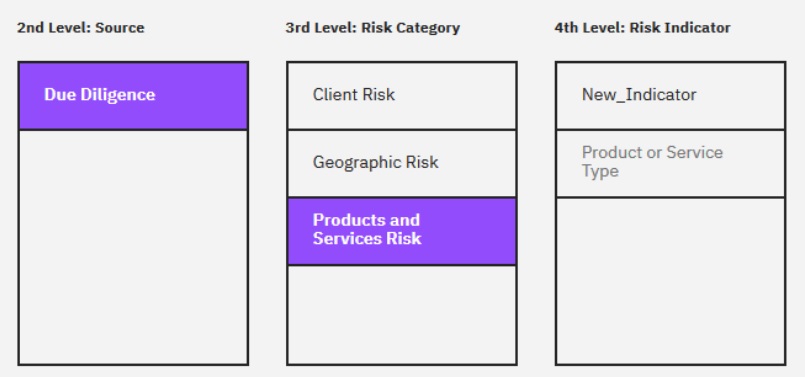
After creating and saving the risk indicator, the new indicator appears in the following pane.