Web Site widget
Use the Web Site widget to display a particular website within the dashboard.
Instances of the Web Site widget are configured so that when you open the widget, you can view the specified website. You can have multiple widgets on the pages in your views, so that you can view different web sites.
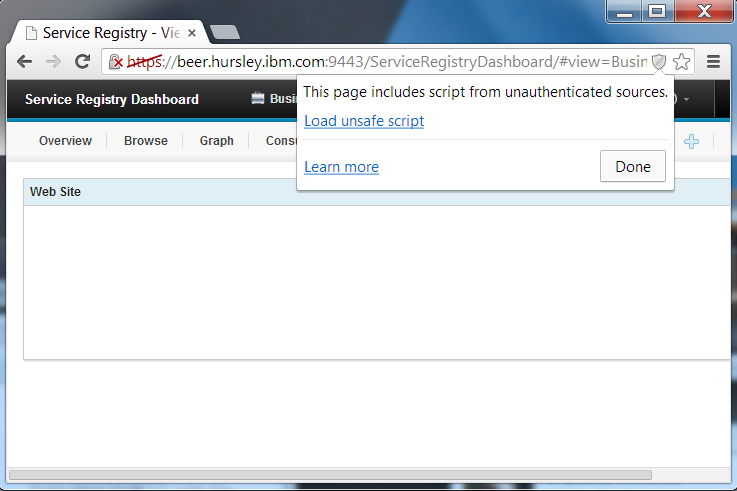
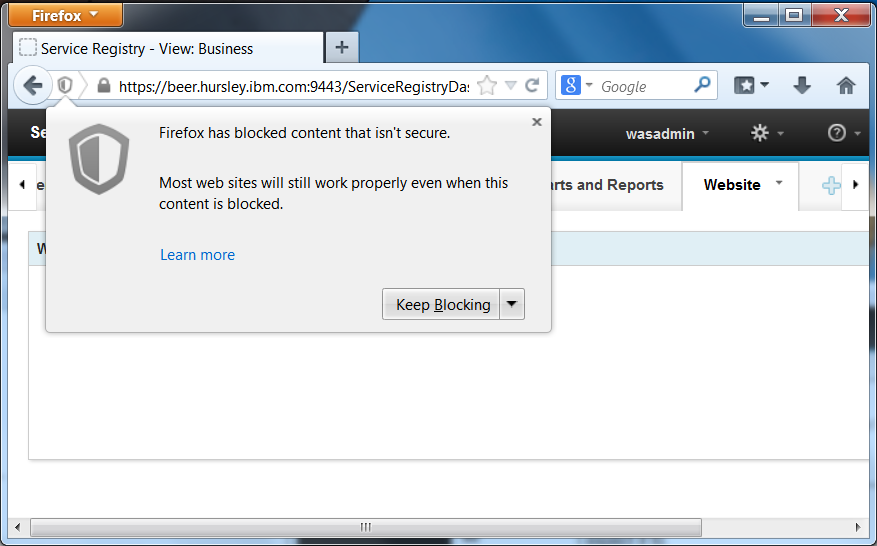
If the URL of the site you are visiting uses a different protocol to the dashboard; for example, the dashboard uses https and the visited site uses http, then you are warned by the browser. The warning takes different forms according to the browser that you are using. See the following diagrams for the warning that is displayed by each supported browser. To allow the request, take the steps that the browser requires. On Firefox and Chrome, click the shield icon in the address bar to open a dialog and confirm that you want to proceed. On Internet Explorer, click Show all content in the pop-up window.