The FTM SWIFT command-line interface (CLI)
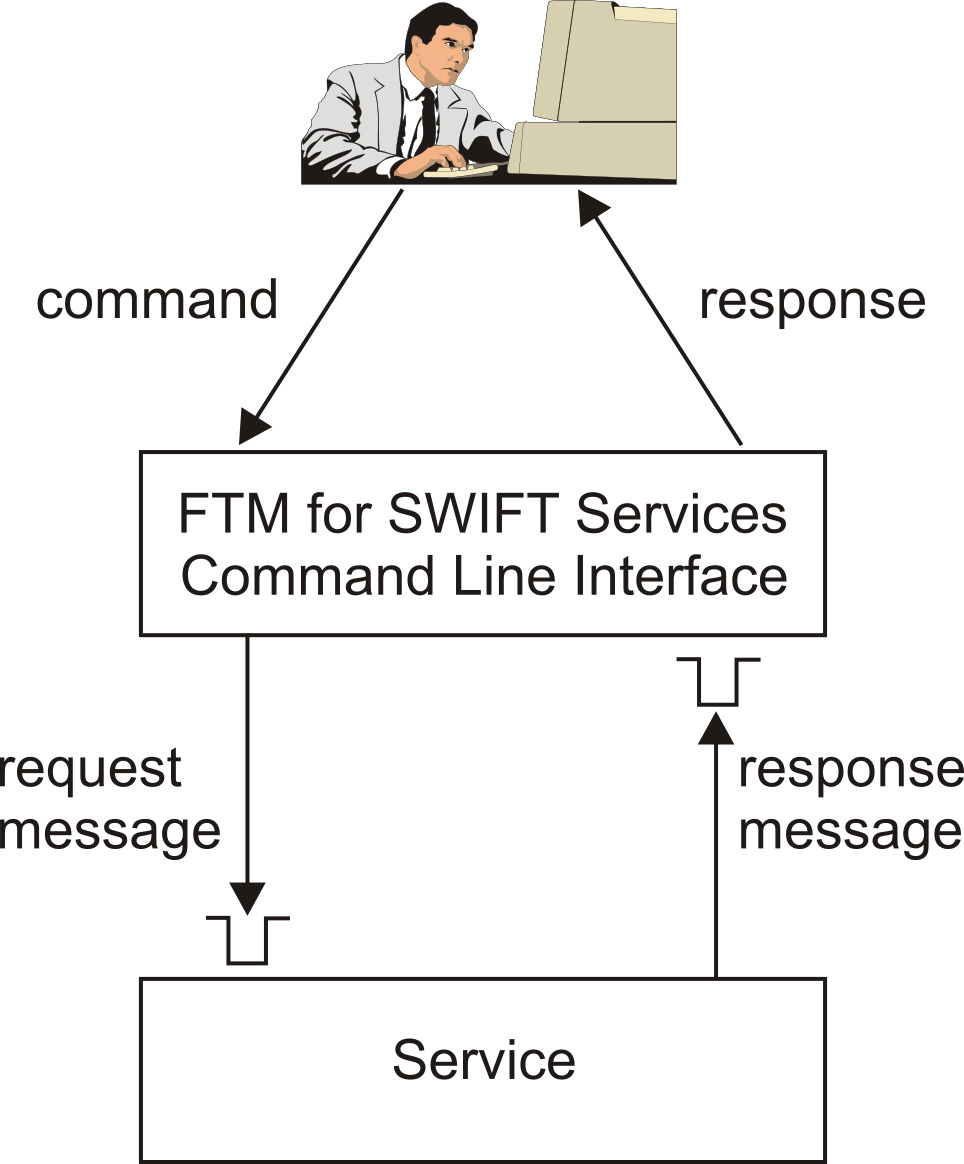
With FTM SWIFT, you issue commands, for example, commands used to configure your FTM SWIFT system or to operate and administer services, using a program called the FTM SWIFT command-line interface (CLI). For each command you enter, the CLI generates an XML request message containing the command and it parameters, and sends the message to a service. You identify this service by specifying, either explicitly or by accepting default values set using environment variables, its name, its OU, and the instance in which it runs.
- Does not display the data as you type it
- Requires you to enter the data a second time, to confirm that it was entered correctly
- Encrypts the data before passing it to the service
The command corresponds to a CO that is associated with the service, and the sensitive data corresponds to an attribute of that CO. The CT on which the CO is based must be configured in such a way that COs based on them expect encrypted data, and decrypt it after receiving it.
For more information about the CLI and how to use it, see Starting the CLI.
Note that the same functionality the CLI provides is also available by using the AO Facility, see AO Facility components and tasks.