Printer Tab
Use the Printer tab to set printer, font, and language preferences for printing. Note that font and language settings appropriate to the character set used for the object will ensure that text prints correctly if the Locale settings for your computer do not match settings for the computer used to create the object.

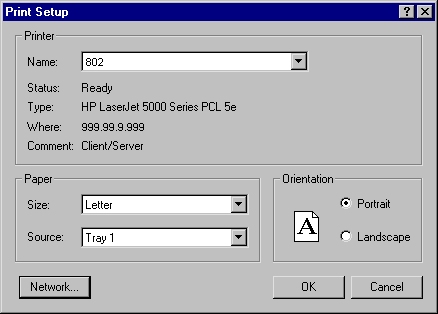
The default printer and font information for requests and definitions are shown in each of the message boxes. To open the Windows Print Setup dialog to select a printer, click Set Printer. To open the Windows Font dialog to select font attributes and specify the desired language script, click Set Font.
Printer
- Set Printer
- Click to display the Print Setup dialog. Select a printer to use as the default when printing requests or definitions.
Field Font
- Set Font
- Click to display the Font dialog. Select font characteristics and a language script to use when printing requests or definitions.

Note: The available languages in the Script drop-down
list are determined by the selected font.