Configuration File Tab
Use the Configuration File tab to review the path for the current Configuration File and set new Configuration File preferences.
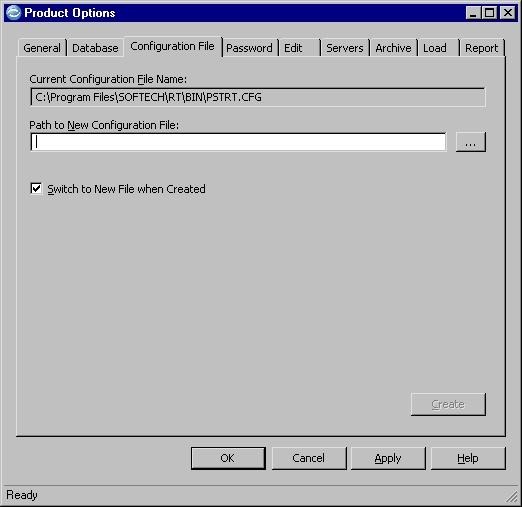
Current Configuration File Name
Directory path and name of the Configuration File that Optim™ is currently using.
Path to New Configuration File
Specify the directory path for a new or different Configuration File. To select an existing Configuration File from your system directories, click the browse button. To create a new Configuration File, specify the directory path and file name and then click Create. If you do not specify a full directory path with the file name, the current drive and directory are used.
Switch to New File when Created
Select this check box to apply the new Configuration File as soon as it is created. Do not select this check box if you intend to modify the current Product Options and want to retain the original Configuration File.