Opening the Hiring Sample process application
Open the Hiring Sample process application to begin running the process in IBM® Process Designer.
About this task
Procedure
- In IBM Workflow Center, click View all for the Process Apps tile.
- Hover on the Hiring Sample tile and click Open in Designer.
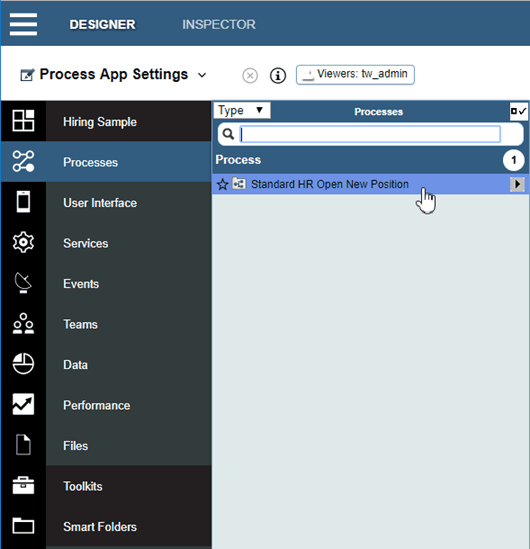
- In the Designer library, click Processes to view a list of available processes.
- From the list, click the Standard HR Open New Position process, as
shown in the following figure: